Smart Video Phone Buyer’s Guide: 7 Features That Matter in 2026
A modern smart video phone now sits at the centre of how offices in Rawalpindi and across Pakistan handle daily communication. It is no longer a plain handset that only rings and dials. Today’s desktop endpoint blends HD voice, a colour touchscreen, video calling and Android-style apps into one device that lives on your desk and connects to your team in seconds.
Choosing the right one, however, can feel overwhelming. Specifications look similar on paper, yet real-world performance varies widely. This guide breaks down the seven features that genuinely matter, so you can invest once and avoid an expensive re-purchase next year.
Why a Smart Video Phone Beats a Basic Handset
Hybrid work changed everything. Staff move between home, branch offices and the main site, so face-to-face contact has to travel with them. A capable video endpoint keeps those conversations personal without forcing everyone onto a laptop.
The benefits are practical, not just cosmetic:
- Crystal-clear video for quick stand-ups without booking a meeting room.
- One-touch access to directories, call history and voicemail.
- Fewer devices on the desk, since the phone doubles as a small conferencing unit.
- Lower long-distance costs when calls route over your internet line.
The United States Federal Communications Commission notes that voice-over-IP services carry calls as data packets, which is exactly why a single broadband connection can now handle voice and video together at a fraction of legacy line costs.
The 7 Features That Actually Matter
1. Screen size and touch quality
A large, responsive display makes video and menu navigation effortless. Look for at least a 7-inch panel with capacitive touch. A flagship option such as the Fanvil V67 Flagship Smart Video Phone pairs a bright touchscreen with a built-in camera, so it doubles as a personal conferencing station.
2. Camera and privacy shutter
An adjustable HD camera with a physical privacy cover is now standard on serious units. The shutter matters more than people expect, because staff want to control exactly when they appear on screen.
3. Audio engineering
Wideband HD audio, dual microphones and echo cancellation separate a premium device from a budget one. Test the speakerphone in a real room before you commit.
4. Line and account capacity
Count how many SIP accounts and simultaneous calls each model supports. Reception desks and managers need more lines than a single-purpose handset.
5. Connectivity options
Gigabit Ethernet, Wi-Fi, Bluetooth and USB expand what the phone can do. Bluetooth headset support alone can transform an agent’s comfort over an eight-hour shift.
6. Power and cabling
Power over Ethernet (PoE) means one cable carries both data and power, which simplifies installation dramatically across a busy floor.
7. Management and security
Central provisioning, encrypted signalling and firmware updates keep a fleet secure and easy to maintain as you grow.
Comparing Desk Video Phones and Portable Wi-Fi Phones
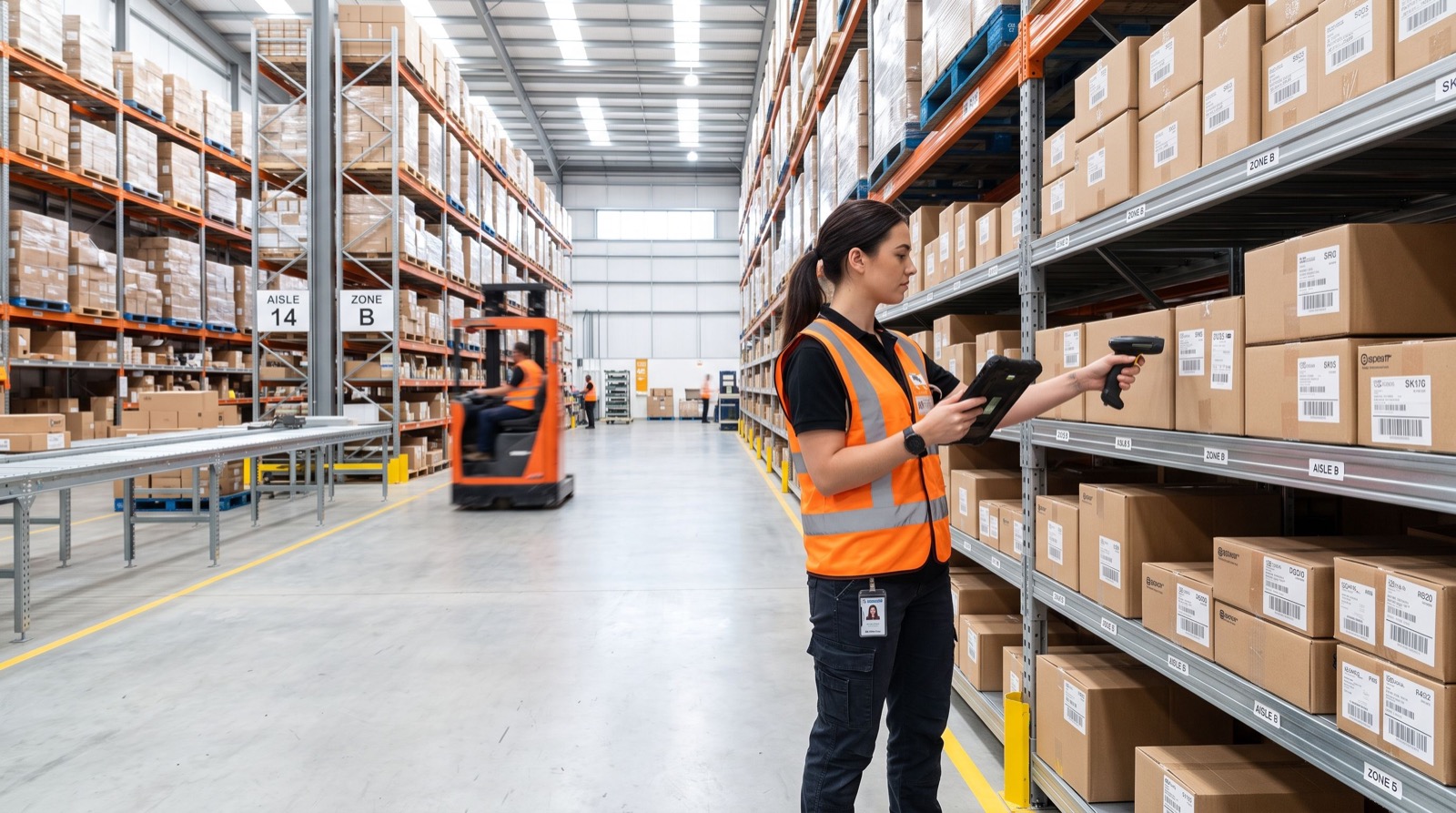
Not every worker sits at a fixed desk. Warehouse staff, floor managers and roaming reception teams often need a cordless unit instead. The table below contrasts a flagship desk video phone with a portable Wi-Fi handset so you can match the tool to the role.
| Feature | Desk Smart Video Phone | Portable Wi-Fi Phone |
|---|---|---|
| Best for | Managers, reception, conferencing | Roaming staff, warehouses, retail floors |
| Video calling | Yes, built-in camera | Voice-focused |
| Mobility | Fixed on desk | Fully cordless over Wi-Fi |
| Screen | Large touchscreen | Compact colour display |
| Power | PoE or adapter | Rechargeable battery |
If mobility is your priority, a cordless model like the Fanvil W610W lets staff take calls anywhere the office Wi-Fi reaches, which is ideal for larger premises.
How Do You Roll Out New IP Phones Without Downtime?
A smooth deployment follows a clear order. Rushing the process is where most offices trip up. Follow these steps to keep your phones online from day one:
- Audit your current lines, extensions and call flows before you buy anything.
- Confirm your internet upload speed can carry concurrent voice and video calls.
- Set up PoE switches so cabling stays tidy and future-proof.
- Provision each phone with the correct SIP account and label it clearly.
- Run a pilot with a small group, gather feedback, then scale to the whole team.
Working with an experienced local team during this stage pays off, because they spot network bottlenecks before they turn into dropped calls.
Budgeting Tips From the Field
From hands-on installations across Pakistani offices, a few lessons repeat themselves. First, buy slightly above your current headcount so you are not re-ordering in six months. Second, standardise on one or two models to keep spare parts and training simple. Third, never skimp on the network switch, since a weak switch undermines even the best handset.
One original tip that consistently helps: label every network port and phone with matching stickers during rollout. It sounds trivial, yet it cuts future troubleshooting time in half when a device needs swapping.
Frequently Asked Questions
What is a smart video phone?
A smart video phone is a desktop communication device that combines HD voice, a colour touchscreen, a camera for video calls, and app support. It connects over your internet line and replaces both a traditional handset and a small conferencing tool.
Do I need special internet for video calling?
You need stable broadband with enough upload capacity for concurrent calls. A wired gigabit connection is ideal, though modern Wi-Fi 5 and Wi-Fi 6 networks handle most office loads comfortably in 2026.
Can a smart video phone work with my existing PBX?
Most current models use the open SIP standard, so they integrate with virtually any modern IP-PBX or cloud phone system. Confirm SIP compatibility before purchase to be safe.
Are desk phones still worth it when we all have laptops?
Yes. A dedicated device delivers better audio, a physical privacy shutter, and reliability that a shared laptop cannot match, especially for reception and managerial roles.
Accessories That Extend Your Investment
The handset is only the starting point. A few well-chosen accessories dramatically improve the daily experience and stretch the life of your purchase. Consider these additions once the phones are in place:
- Wireless or wired headsets for agents who talk for hours at a time.
- Expansion key modules for reception, so busy operators see every extension at a glance.
- Wall-mount brackets to save desk space in tight reception areas.
- A managed PoE switch that leaves room for future devices.
Investing a little here prevents the frustration of a great phone let down by an uncomfortable headset or a cluttered desk. In my experience, headset comfort is the single biggest driver of agent satisfaction, yet it is the most commonly overlooked line item.
Future-Proofing Your Choice for 2026 and Beyond
Technology moves quickly, so buy with the next few years in mind. Prioritise devices that receive regular firmware updates, since these patches add features and close security gaps long after purchase. Favour open SIP compatibility over closed ecosystems, because it keeps you free to change providers without replacing hardware.
Also think about video standards and camera quality. A phone with a sharp, adjustable camera will still look professional on calls two or three years from now, whereas a low-resolution unit dates quickly. Spending slightly more on the display and camera today is almost always cheaper than a full replacement tomorrow.
Final Thoughts
The right smart video phone turns everyday calls into productive, personal conversations while trimming long-distance costs. Focus on screen quality, audio, connectivity and manageability, match desk and portable units to each role, and plan your rollout carefully. Do that, and your 2026 telephony investment will serve your business for years rather than months.